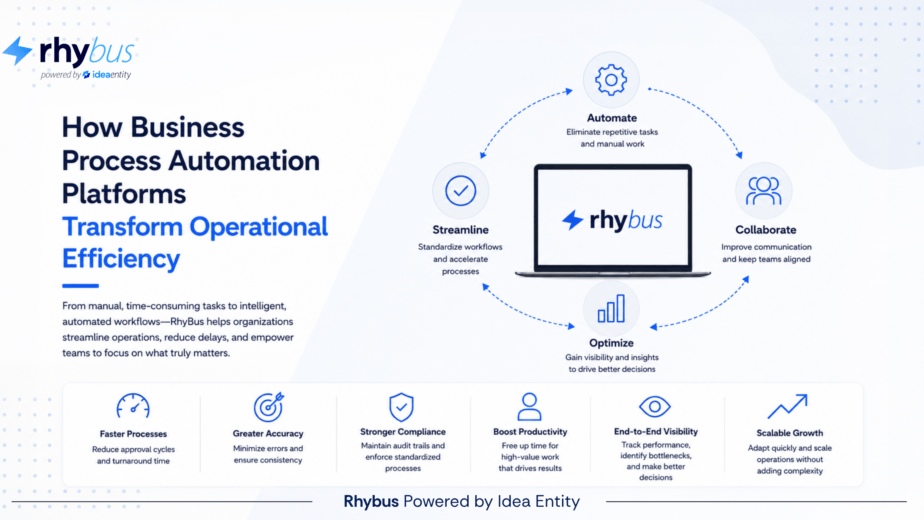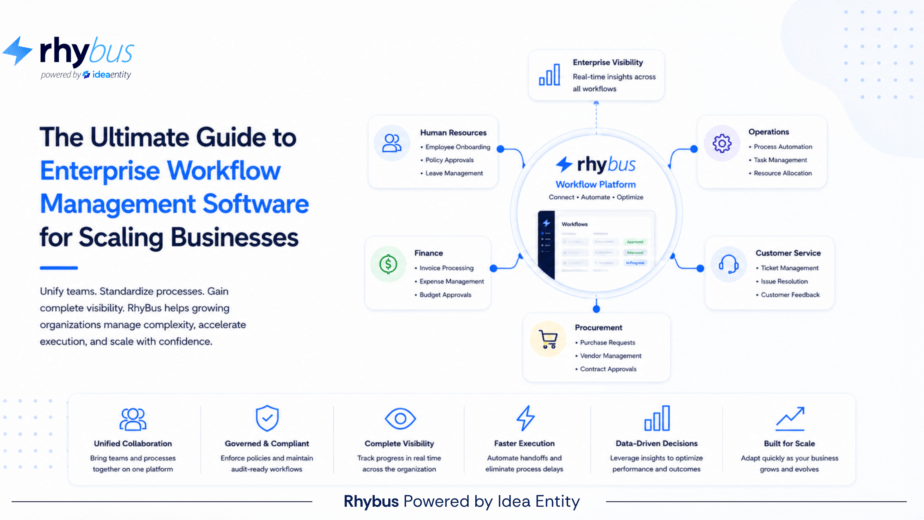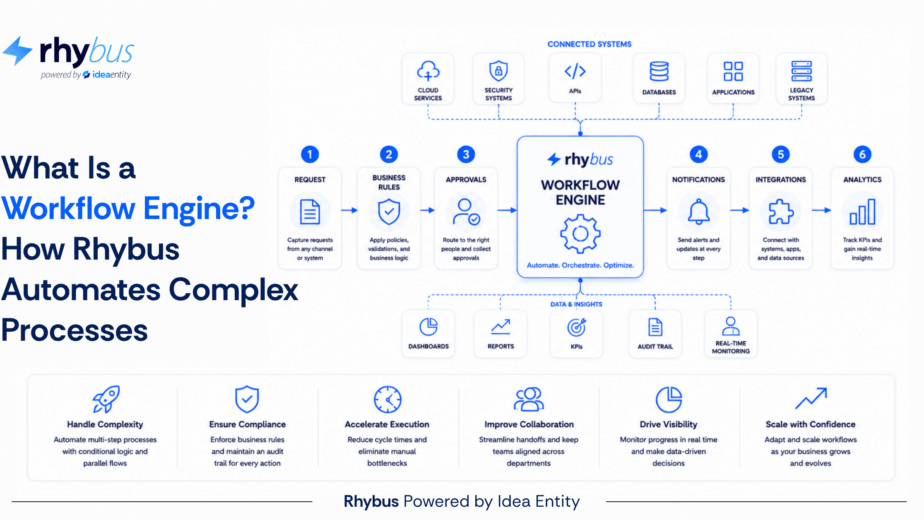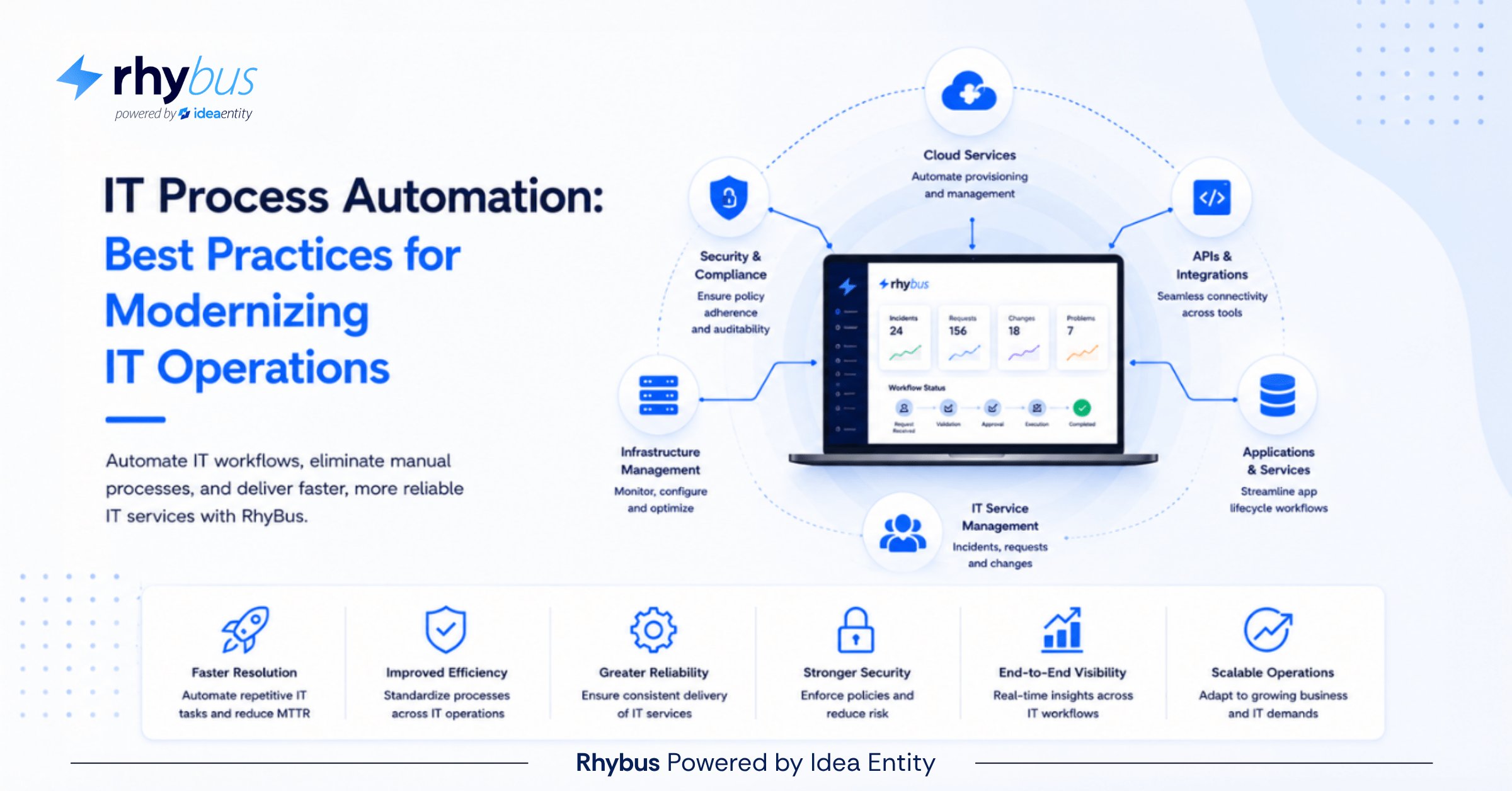
IT teams carry one of the most demanding operational mandates in any organization: maintain uptime, respond to incidents, provision users, manage security, and support every other department, all while the volume of work grows faster than the team does.
The math does not work in favor of manual execution. IT process automation uses software to handle routine IT tasks without human intervention, reducing manual errors by up to 90% and cutting operational costs by 30 to 50%. Modern automation platforms integrate with existing systems to streamline workflows, accelerate incident response, and maintain compliance in regulated environments. Organizations implementing automation strategically reclaim thousands of staff hours annually while improving accuracy, security, and scalability across enterprise infrastructure.
What Is IT Process Automation?
IT process automation is the use of software and technology to perform routine IT tasks, workflows, and processes with minimal human involvement. Instead of manually provisioning user accounts, patching servers, or responding to common incidents, automation platforms execute these tasks based on predefined rules and triggers.
The core components work together to create seamless, end-to-end workflows:
- Workflow engines define the sequence of actions the system executes at each stage of a process
- Integration APIs connect disparate systems and allow data to flow between platforms automatically
- Monitoring tools track execution, log activity, measure completion times, and flag anomalies in real time
- Orchestration layers coordinate complex, multi-system processes where a single workflow spans multiple platforms
The distinction between automation and traditional IT management is fundamental. Traditional approaches rely on human operators to execute tasks by following documented procedures. Automation encodes those procedures into executable logic. When a user submits a password reset request, automated IT validates identity through integrated directory services, resets the password via API, and logs the entire transaction automatically — without a human touching it.
Why Modernizing IT Operations Requires Automation
Enterprise IT cannot scale at the pace business demands without automation. Manual processes create bottlenecks that slow deployment cycles, introduce inconsistencies, and consume staff hours on tasks that software handles more reliably.
Rising Complexity in IT Environments
Modern enterprises run workloads across on-premises data centers, AWS, Azure, Google Cloud, and SaaS platforms simultaneously. A single application might touch 15 different systems. When a security patch needs deployment across 800 servers spanning three cloud providers and two on-premises clusters, automation is the only realistic path. Teams that rely on manual runbooks fall weeks behind, creating the exposure windows that attackers exploit.
The Need to Streamline IT Operations
Silos kill efficiency. When provisioning a new employee requires tickets routed through HR, IT, facilities, and security, onboarding stretches from hours to days. Automation connects these systems directly. An approved hire in Workday triggers account creation in Active Directory, license assignment in Microsoft 365, badge printing, and VPN provisioning — without a single email thread to coordinate it.
Increasing Demand for Speed and Agility
Development teams ship code multiple times per day. Infrastructure that takes three weeks to provision becomes the bottleneck slowing the entire delivery pipeline. Automation collapses deployment cycles from weeks to minutes. A developer requests a test environment through a self-service portal; automation spins up the infrastructure in AWS, configures networking, installs dependencies, and grants access before the developer finishes their coffee.
Key Components of IT Process Automation
Effective automation systems share four foundational elements that work together to create reliable, end-to-end workflows. Understanding how these components interact helps organizations build scalable automation architectures that hold up as operational demands grow.
Automated Workflows
Workflows define the precise sequence of actions the system executes at each stage of a process. A backup verification workflow might check completion status, validate file integrity, confirm offsite replication, and alert on failures — in a defined order, every time. Modern workflow engines provide visual designers where IT teams configure actions, set conditional logic, and define error handling without writing custom code for each process type.
Orchestration Across Systems
Orchestration coordinates actions across multiple platforms when a single process spans multiple systems. Provisioning a database involves creating the instance in AWS RDS, configuring firewall rules, updating DNS records, generating credentials in HashiCorp Vault, and logging the change in ServiceNow. Orchestration platforms like Ansible and Terraform manage these cross-system dependencies, ensuring each step completes in the right order with the right inputs before the next step begins.
Monitoring and Alerts
Monitoring tracks every workflow execution: logging inputs and outputs, measuring completion times, and surfacing anomalies without requiring someone to manually review logs. When an automated patch deployment fails on 12 servers, monitoring surfaces the pattern immediately. Real-time dashboards show what is running, what failed, and where bottlenecks are emerging — giving IT teams the operational visibility to intervene quickly when something goes wrong.
Integration with ITSM Tools
Automation lives inside the broader IT service management ecosystem. Integrations with ServiceNow, Jira Service Management, and BMC Remedy ensure that automation workflows trigger from service requests, update tickets automatically as workflows progress, and maintain the audit trails that compliance and leadership teams require. Without these integrations, automation creates a parallel process track that is difficult to manage alongside existing ITSM workflows.
Best Practices for IT Process Automation
Successful automation starts with strategy, not tools. Technology alone does not solve operational problems without proper planning, process standardization, and a sustained commitment to improvement.
Start with Process Discovery and Mapping
Identify every repetitive task the team performs. Shadow technicians for a week. Review ticket queues. Map processes end-to-end, noting decision points, system interactions, and exception scenarios. Password resets, server provisioning, security group modifications, and backup verifications deliver immediate ROI when automated — and they provide a low-risk starting point for teams building automation capability for the first time.
Prioritize High-Impact Use Cases
Calculate ROI by multiplying task frequency by time saved per execution. A process that takes 45 minutes and runs 200 times per month saves 150 staff hours when automated. Prioritize processes where manual execution introduces errors, delays critical workflows, or requires after-hours work from staff who should be focused on higher-value problems.
Standardize Before Automating
Automating a broken process just makes it fail faster. If server provisioning varies by requester because documentation is outdated, fix the process first. Establish standard configurations, document approval requirements, and eliminate unnecessary steps before building automation on top of the workflow. Automation enforces whatever process logic it is given — the quality of that logic determines the quality of the outcomes.
Choose Scalable Automation Platforms
Enterprise automation requires platforms built for enterprise scale. Cloud-based solutions like UiPath, Automation Anywhere, and ServiceNow Orchestration offer API-driven architectures that integrate with existing systems. Centralized platforms provide version control, role-based access, execution logging, and disaster recovery — capabilities that become non-negotiable as automation scope expands across the organization.
Ensure Integration Across Systems
Verify that the platform integrates with Active Directory, ITSM tools, cloud providers, monitoring systems, and databases before committing to it. API availability matters more than feature lists. A platform with extensive pre-built integrations accelerates implementation and reduces the custom development work that creates long-term maintenance debt.
Implement Continuous Monitoring and Optimization
Track execution metrics: success rates, completion times, and error patterns over time. When a workflow that normally finishes in 90 seconds starts taking six minutes, that change signals something worth investigating before it becomes a service delivery problem. Monthly reviews identify optimization opportunities and catch configuration drift before it affects operations.
Maintain Security and Compliance by Design
Implement role-based access control so only authorized personnel can view or modify workflows. Store credentials in vaults like CyberArk or AWS Secrets Manager — never hardcoded in scripts where they can be exposed. Log every action for audit trails. In regulated industries, automation must be able to demonstrate who approved what, when actions executed, and what changed. Building these controls in from the start is far easier than retrofitting them later.
Benefits of IT Process Automation
The business case for automation rests on measurable outcomes. Organizations implementing automation strategically see consistent improvements across efficiency, accuracy, cost, and scalability — with each benefit compounding as automation maturity grows.
Increased Efficiency and Productivity
Automation reclaims thousands of staff hours annually. A Fortune 500 financial services company automated user provisioning and saved 4,200 hours per year. Those hours shifted from repetitive account creation to strategic projects. The productivity gain compounds as automation scope expands and staff apply their reclaimed capacity to work that actually requires judgment.
Reduced Errors and Downtime
People make mistakes, especially on repetitive tasks performed under pressure or during off-hours. Automation executes consistently regardless of time of day, workload, or staff experience level. A healthcare provider reduced provisioning errors from 18% to under 2% after automating their onboarding workflow — a reduction that directly improved security posture and compliance standing.
Cost Savings and Resource Optimization
Automation delivers 30 to 50% operational cost reductions in mature implementations. Cloud cost management automation right-sizes instances, shuts down unused resources, and moves workloads to cheaper regions based on defined rules. One retail company saved $340,000 annually by automating cloud resource cleanup — a return that required no headcount reduction, only reallocation of existing capacity toward higher-value work.
Enhanced Compliance and Security
Automation creates immutable audit trails showing exactly what changed, when it changed, and who approved the change. Security patching automation ensures vulnerabilities are addressed within SLA windows consistently — not dependent on who is on duty when the patch is released. When auditors request evidence of controls, automated logs provide it immediately rather than requiring manual evidence assembly under deadline pressure.
Scalability for Enterprise Growth
Manual processes do not scale. A team that provisions 50 servers monthly hits practical capacity limits at 75. Automation scales linearly. The same workflow provisions 500 servers as efficiently as 50 — without additional headcount, without errors from fatigue, and without the scheduling constraints that come with manual execution at volume.
Common Challenges and How to Overcome Them
Automation initiatives fail when organizations underestimate the cultural and technical barriers involved.
Staff resistance often emerges from job security concerns. The most effective response is demonstrating early and consistently that automation eliminates tedious, repetitive work — not jobs. When staff see automation handling password resets while they take on more interesting infrastructure and architectural work, the narrative changes.
Technical challenges typically stem from poor integration planning. Choosing platforms with proven integrations to the existing technology stack reduces the custom development work that creates maintenance debt. Starting with well-documented processes that have clear success criteria gives early automation efforts the best chance of producing visible results — which builds organizational confidence for expanding scope over time.
Involving security teams from the beginning, rather than bringing them in after workflows are already designed, ensures controls are built into the automation architecture rather than bolted on afterward.
Future Trends in IT Process Automation
The next evolution of IT process automation incorporates artificial intelligence and machine learning to handle unstructured inputs and support more autonomous decision-making across the IT environment.
AI-driven automation can analyze incident tickets, categorize issues, and route them to appropriate workflows without human classification — handling the triage work that currently consumes significant IT staff time at scale. As AI capabilities mature, the range of tasks that can be handled without manual intervention will expand considerably.
Self-healing infrastructure represents the furthest extension of this direction. When a web server fails health checks, self-healing automation restarts services, scales capacity, or fails over to standby instances without human intervention. Infrastructure monitors itself, diagnoses root causes, and executes remediation — reducing mean time to recovery and eliminating the on-call burden for incidents that do not actually require human judgment to resolve.
Predictive IT operations take this further by using historical performance data to identify patterns that precede failures before they occur. Automation then takes preventive action — a meaningful shift from reactive incident management to proactive operational control.
Modernize IT Operations with Automation
IT process automation transforms operational efficiency by eliminating manual handoffs, reducing errors, and accelerating response times across the entire IT service environment.
Organizations that implement automation strategically see 30 to 50% cost reductions, 90% fewer manual errors, and significant improvements in compliance posture and operational scalability. The compounding benefits grow as automation maturity increases across the enterprise.
The automation journey starts with assessment. Map the high-frequency processes consuming the most staff time, calculate ROI against defined criteria, and choose scalable platforms with proven integration capabilities. Identify three repetitive processes your team handles manually today and evaluate them as automation candidates — that is where the work starts.
Frequently Asked Questions
What is IT process automation?
IT process automation uses software to execute routine IT tasks like provisioning, patching, backups, and incident response without manual intervention. It reduces errors, accelerates workflows, and frees IT staff for strategic work by encoding operational procedures into executable logic that runs based on predefined triggers and rules.
What are examples of IT process automation?
Common examples include automated incident management, user provisioning and deprovisioning, security patch deployment, backup verification, server provisioning, and compliance reporting. Any repetitive IT task that follows documented procedures and clear decision logic is a strong automation candidate.
How can IT automation improve operations?
Automation improves operations by eliminating manual handoffs, reducing task completion time from hours to minutes, cutting error rates by 90%, and providing complete audit trails for compliance. It allows IT teams to scale service delivery without proportional headcount increases while maintaining consistent service quality across the organization.
Is IT process automation expensive?
Initial investment varies by platform and scope, but ROI typically materializes within 6 to 12 months. Cost savings from reduced labor hours, fewer errors, and optimized resources frequently exceed platform costs by three to five times. Cloud-based platforms reduce upfront infrastructure investment compared to on-premises alternatives.
What tasks should not be automated?
Avoid automating processes that require nuanced judgment, involve frequent exceptions, or lack clear success criteria. Tasks with high variability, complex human interaction, or strategic decision making are poor automation candidates until the processes stabilize and documentation improves enough to define reliable execution logic.